
Overview
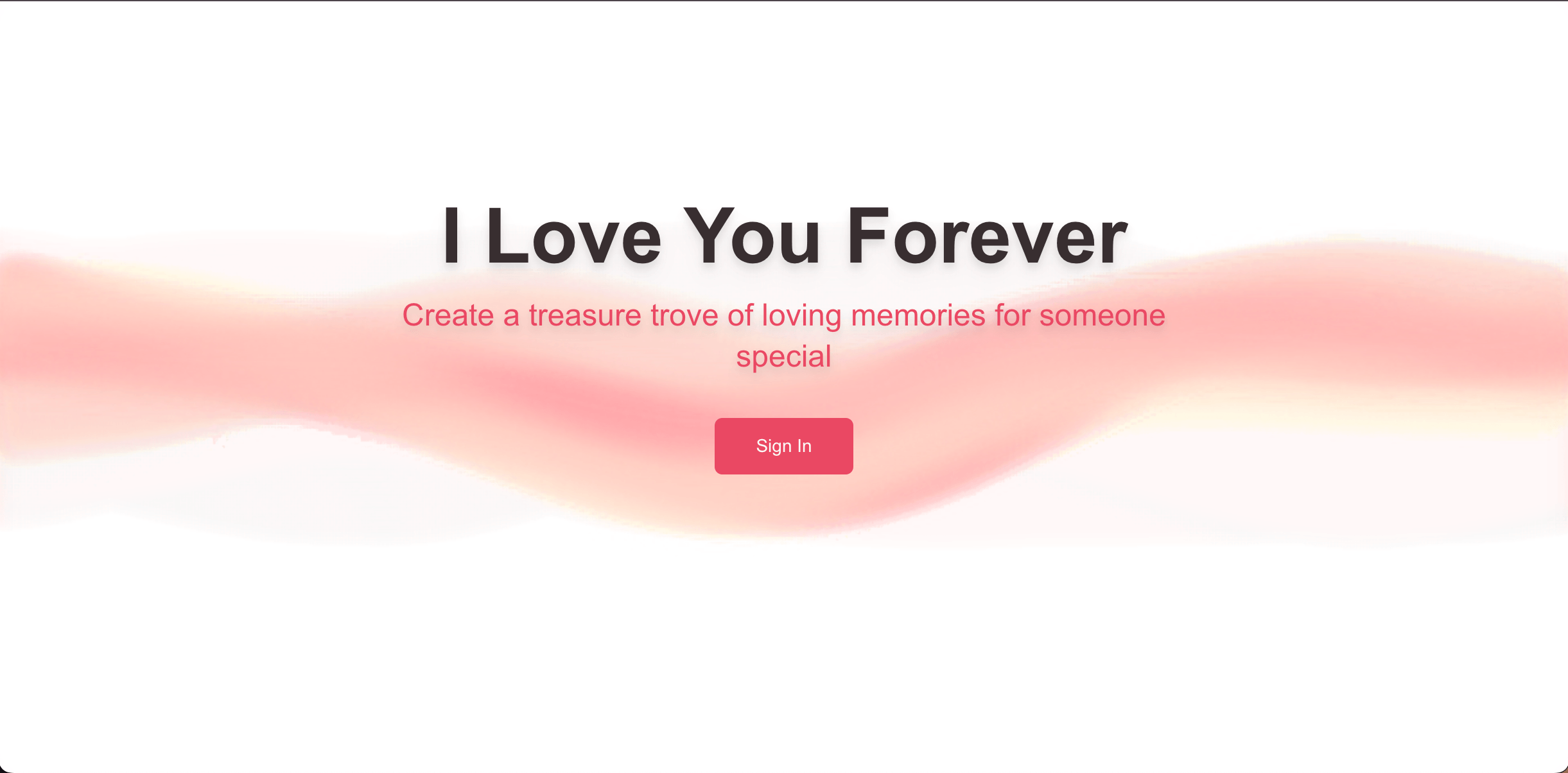
Love You Forever is a private memory vault I built as a gift for my mom.
The idea came from a book she used to read to me growing up. I wanted to create something that captured that same feeling, but in a way that could grow over time. A place where we could store photos, voice messages, and moments, and revisit them later.
What started as a personal project became a fully functional product with secure access, media handling, and a simple interface designed around non-technical users.
Product Concept
The core idea is a shared space for meaningful memories.
Users can create a vault, invite others, and contribute content in the form of images and audio. Each memory becomes part of a timeline that feels personal rather than just a collection of files.
The goal was not to build a generic storage app. It was to build something that feels intentional, private, and easy to use for people who are not technical.
That constraint shaped both the product and the architecture.
Architecture and Key Decisions
The app is built on a server-driven model using Next.js server actions, with most logic handled on the backend.
Authentication is handled through Clerk, but the invitation system is custom-built on top of it. Users cannot sign up freely. They must be invited to a specific vault, and access is tied directly to that relationship.
One of the more interesting parts of the system is the role model. Users are not just “in” a vault. They can be:
- the creator
- an owner
- a contributor
Each role has different permissions, and those permissions are enforced at the query layer. This required explicit permission checks across all operations, which made the system more complex but also much safer.
The database is managed through Drizzle ORM, with a schema that models vaults, users, invitations, and media relationships. Type safety here helped catch issues early and made it easier to evolve the system as features changed.
I also used t3-env to validate environment variables at startup. If something is misconfigured, the app fails immediately instead of failing later at runtime. This is a small detail, but it makes the system more predictable and production-ready.
Media and Content Handling
The app supports both image and audio uploads using UploadThing.
Each file is associated with a vault and stored with metadata that allows it to be organized and displayed cleanly in the UI.
One of the more interesting backend features is the ability to download an entire vault as a ZIP archive. This is implemented using a streaming approach, where files are fetched from remote storage and piped into an archive in real time using server-side streams.
This avoids loading everything into memory and makes it possible to package large collections of files efficiently.
Email System
Invitations are sent through Resend using custom email templates built with React Email.
Each invite contains a secure link tied to a specific vault, which guides the user directly into the onboarding flow.
This was an important part of the experience. For many users, the email is their first interaction with the product, so it needed to feel polished and consistent with the rest of the app.
UI and Experience
The UI is intentionally simple.
The goal was to make it easy for someone to open the app, upload a memory, or revisit existing ones without needing instructions.
One specific decision was minimizing the number of steps required to contribute a memory. Uploading content is a single, clear action, with minimal required input and no unnecessary configuration.
The design focuses on clarity and calm visuals, keeping attention on the content rather than the interface.
Data Lifecycle and Cleanup
Because the app deals with personal data, I wanted to handle deletion properly.
When a user is deleted in Clerk, a webhook triggers a cleanup process that removes all associated data from the system. This ensures there is no orphaned content or lingering references.
This is something that is easy to ignore in small projects, but it becomes important as soon as real user data is involved.
Challenges and Tradeoffs
Designing for non-technical users
The biggest challenge was reducing friction. I simplified flows wherever possible, especially around onboarding and uploads. The goal was that someone could use the app without needing instructions.
Access control complexity
The role-based model added complexity, but it was necessary to support real-world sharing. I chose to enforce permissions at the query level rather than relying on UI constraints, which made the system more robust.
Handling large file downloads
Packaging remote files into a downloadable archive required a streaming approach. This avoided memory issues and made the feature scalable.
Balancing simplicity and flexibility
The app needed to support multiple users and content types without exposing that complexity in the UI. That required careful separation between the data model and the user experience.
Tech Stack
- Next.js (App Router, Server Actions)
- TypeScript
- Drizzle ORM
- Clerk (authentication)
- UploadThing (file uploads)
- Resend + React Email (email system)
- Tailwind CSS + shadcn/ui
- Zustand
- t3-env (environment validation)
This project is different from most of my work. It is less about complex systems and more about building something meaningful that people actually want to use.